

Hosting webinars, virtual meetings, and online events has become fundamental to business operations. The right platform can ensure a smooth and engaging experience for hosts and participants. Zoom is the go-to platform for most businesses.
However, each business has different needs. By exploring these Zoom alternatives, you can find tailored solutions that enhance communication, improve collaboration, and drive engagement in a virtual environment, making every digital interaction productive and seamless.
Exploring the Best Zoom Alternatives for Your Business
Here, we explore some leading platforms available, highlighting their key features and benefits.
Affiliate Disclosure: We receive a commission on purchases made through links on this page.
1. LiveStorm
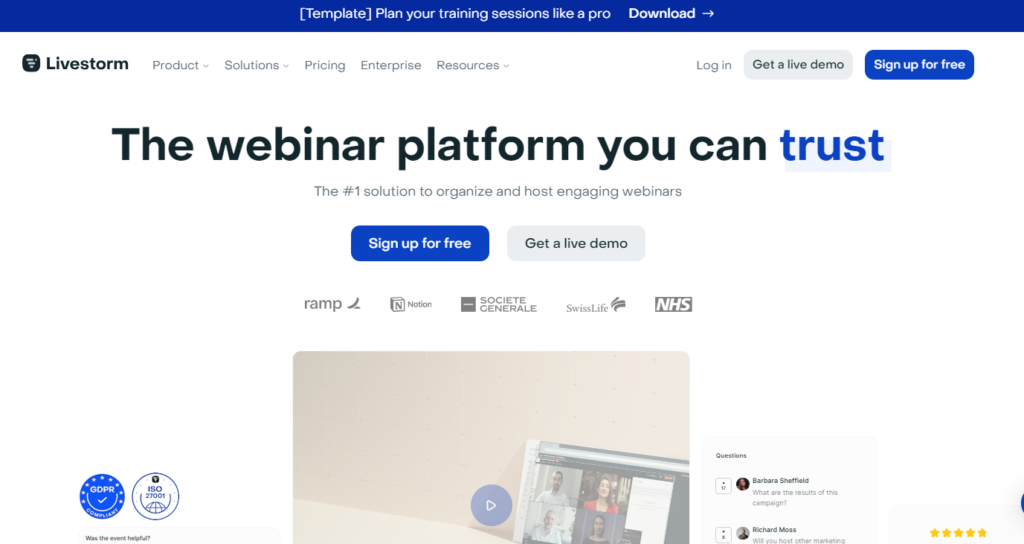
LiveStorm is a powerful webinar and virtual event platform designed to help businesses and professionals engage with their audiences seamlessly. Its user-friendly interface and robust features simplify hosting various online events, from webinars and live Q&A sessions to product demos and virtual conferences.
Key Features:
- Interactive Engagement: Tools like polls, Q&A sessions, and live chat keep participants engaged and encourage real-time interaction.
- High-Quality Streaming: Ensures high-quality video and audio streaming for a professional experience.
- Analytics and Insights: Provides detailed analytics on attendee behavior and participation, helping improve future events.
2. Webex Meetings

Webex Meetings is a leading video conferencing and collaboration platform that empowers teams to connect and collaborate virtually, regardless of location. Its simplicity and efficiency make it an ideal solution for hosting meetings, webinars, and virtual events.
Key Features:
- HD Video and Audio: Delivers high-definition video and crystal-clear audio for an immersive meeting experience.
- Screen and Content Sharing: Facilitates effective collaboration through easy sharing of screens, documents, and presentations.
- Advanced Security: Prioritizes user data security with end-to-end encryption and secure meeting rooms.
3. Discord

Originally designed for gamers, Discord has expanded to serve a broader audience, including communities, businesses, and educators. Its versatile features offer a modern way to connect through text, voice, and video chat.
Key Features:
- Text, Voice, and Video Chat: Multiple communication channels for both private and larger server communities.
- Customizable Servers and Roles: Users can create servers with specific permissions and organized channels.
- Integrated Multimedia Support: Supports sharing of images, videos, and links for collaborative projects.
4. Google Meet
Google Meet, part of the Google Workspace suite, offers a cohesive and efficient solution for remote work and online collaboration. It integrates seamlessly with other Google productivity tools.
Key Features:
- High-Quality Video and Audio: Ensures a professional meeting experience.
- Real-Time Collaboration Tools: Includes screen sharing, document collaboration, and interactive whiteboards.
- Enhanced Security Measures: Features like end-to-end encryption and advanced security controls protect against unauthorized access.
5. TeamViewer

TeamViewer enables users to connect to and control remote devices, providing a secure solution for remote assistance, online meetings, and desktop sharing.
Key Features:
- Remote Control and Access: Allows seamless remote collaboration and support.
- Cross-Platform Compatibility: Supports various devices and operating systems.
- Secure Connections: Utilizes advanced security protocols to protect remote sessions.
6. Microsoft Teams
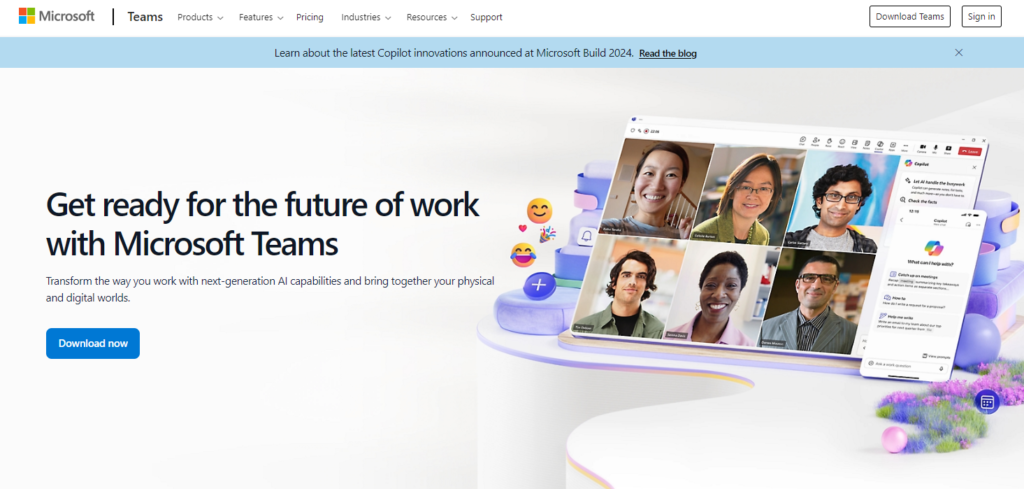
Microsoft Teams integrates chat, video conferencing, file storage, and app integration, enhancing organizational communication and collaboration.
Key Features:
- Chat and Messaging: Facilitates organized communication through individual and group chats.
- Video Conferencing and Meetings: Offers high-quality video meetings with interactive features.
- Integrated Office 365 Apps: Seamlessly integrates with Microsoft Office 365 for collaborative work.
7. Slack
Slack streamlines workplace communication by organizing discussions into channels, improving internal communication and collaboration.
Key Features:
- Organized Channels: Dedicated channels for projects, teams, or topics.
- Real-Time Messaging: Enables quick decision-making and problem-solving.
- App Integrations: Extensive integrations with third-party apps for centralized workflows.
8. CoScreen

CoScreen enables teams to work together on shared screens in real-time, allowing multiple users to control and interact simultaneously.
Key Features:
- Multi-User Screen Sharing: Facilitates collaborative editing and problem-solving.
- Interactive Workspaces: Users can interact and edit documents together.
- Secure and Private: Ensures data protection with end-to-end encryption.
9. Jitsi Meet

Jitsi Meet offers a secure and privacy-focused solution for virtual meetings and online collaboration without the need for accounts or installations.
Key Features:
- No Account Required: Hassle-free, anonymous meeting experience.
- End-to-End Encryption: Ensures secure communications.
- Customizable: Open-source platform for flexible integration.
10. Skype
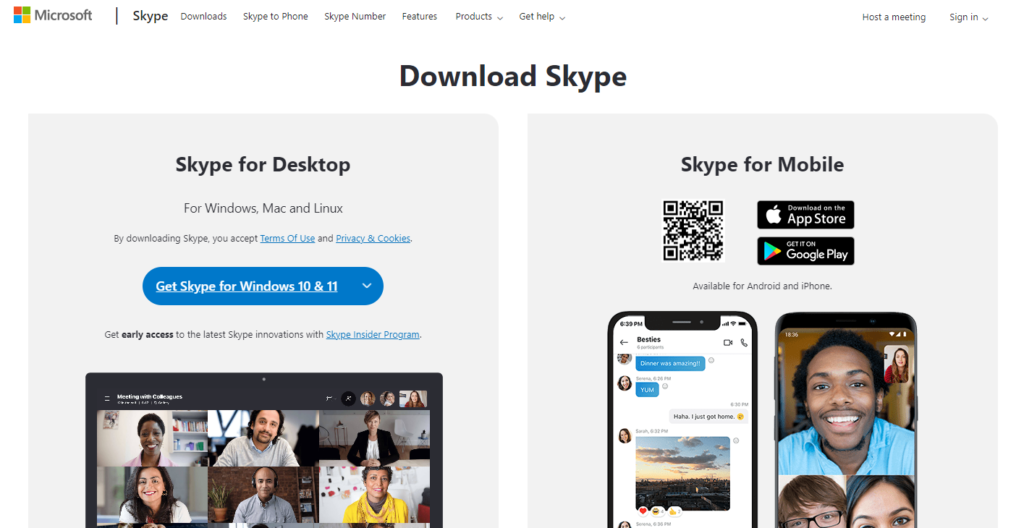
Skype offers instant messaging, voice, and video calling services, making it a versatile personal and business communication tool.
Key Features:
- Instant Messaging: Real-time messaging capabilities.
- Voice and Video Calling: High-quality calls to Skype users or landlines.
- Screen Sharing and Collaboration: Enables presentations and collaborative work during calls.
11. GoToMeeting
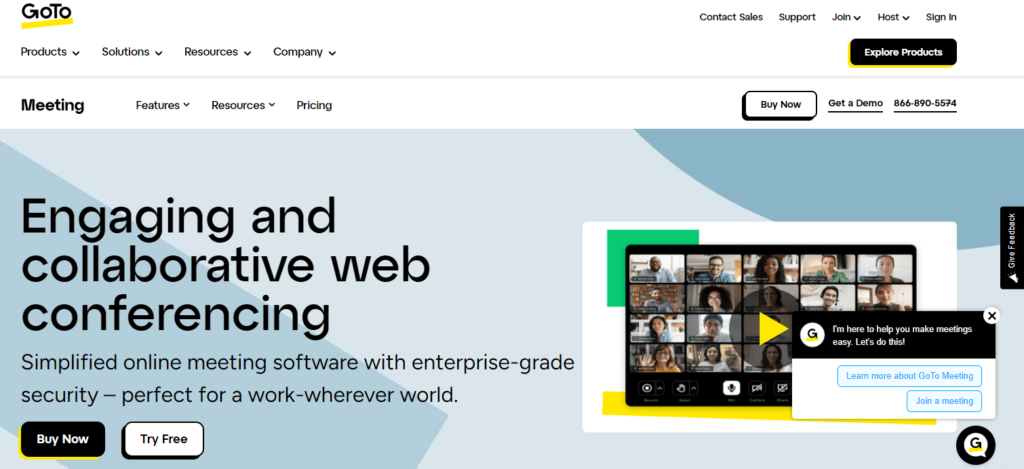
GoToMeeting is designed to facilitate collaboration and communication among teams, clients, and partners through robust online meeting features.
Key Features:
- HD Video and Audio: Professional meeting experience with high-quality video and audio.
- Screen Sharing and Annotation: Tools for real-time collaboration.
- Meeting Recording: Allows for recording and playback of sessions.
12. Whereby

Whereby offers a browser-based solution for virtual meetings, eliminating the need for downloads and installations.
Key Features:
- No Downloads: Accessible through any browser.
- Personalized Meeting Rooms: Custom-branded rooms with unique URLs.
- Secure and Private: End-to-end encryption and password-protected rooms.
13. RingCentral
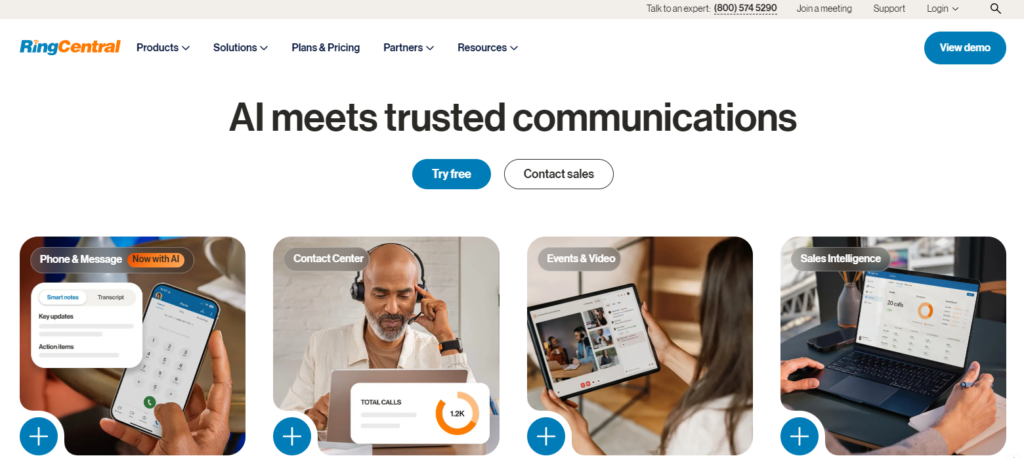
RingCentral combines voice, video, messaging, and conferencing into a single platform, streamlining business communications.
Key Features:
- Unified Communications: Seamless communication across different channels.
- High-Quality Video Conferencing: Reliable platform for virtual meetings.
- Integrations and Customization: Extensive integrations with business apps for tailored workflows.
Final Thoughts
Choosing the right video conferencing tool depends on your needs, whether for webinars, virtual meetings, remote support, or team collaboration. There are also free online conferencing tools available.
Each platform offers unique features that cater to different aspects of online engagement, making it easier for businesses to connect, collaborate, and succeed in a virtual environment.